

Planning more content than you can push through research, brief and draft one keyword at a time?
The Content Pipeline in thruuu takes a whole list of keywords through SERP analysis, content brief and AI draft on a single board.
- Add a list of keywords and start the whole batch
- Let thruuu research every keyword, build its brief, and write the draft once you approve it
- Run French, UK and US, or any keywords and search parameters, on the same board
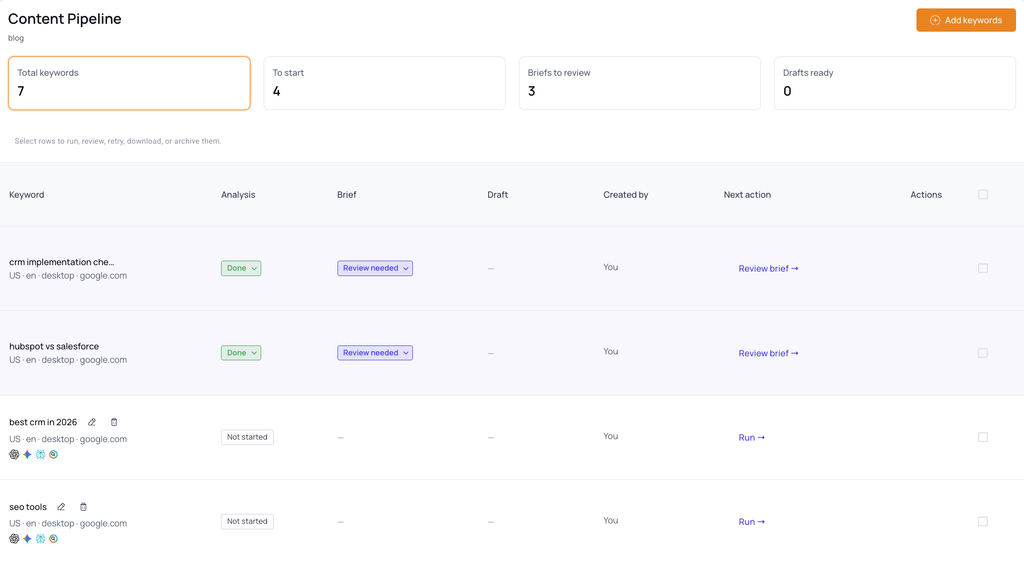
- See what every keyword in the plan is waiting on, and what it needs from you next
- Review briefs and release them to draft in bulk
- Download finished drafts as Word or Markdown files
The judgement stays yours: thruuu writes nothing until a person has read the brief.
Overview
Content Pipeline sits under Content in the main navigation.
There is one pipeline per workspace, shared by whoever works on it, and the board runs twenty keywords at a time.
Content Pipeline is the perfect feature to streamline your workflow and leverage thruuu to its fullest. Define the article you want to create and drop your list of keywords into thruuu.
The workflow is streamlined and accessible to your entire team. It stops at the brief on purpose. You need to review this step as it will shape the output of the AI draft.
If you have several client projects, create a workspace, apply a brand voice via the Brand Kit and set up a content pipeline to put your content production on autopilot.
Below are all the steps to get started with the Content Pipeline in thruuu. You can also watch this video.
Step 1. Add your keywords
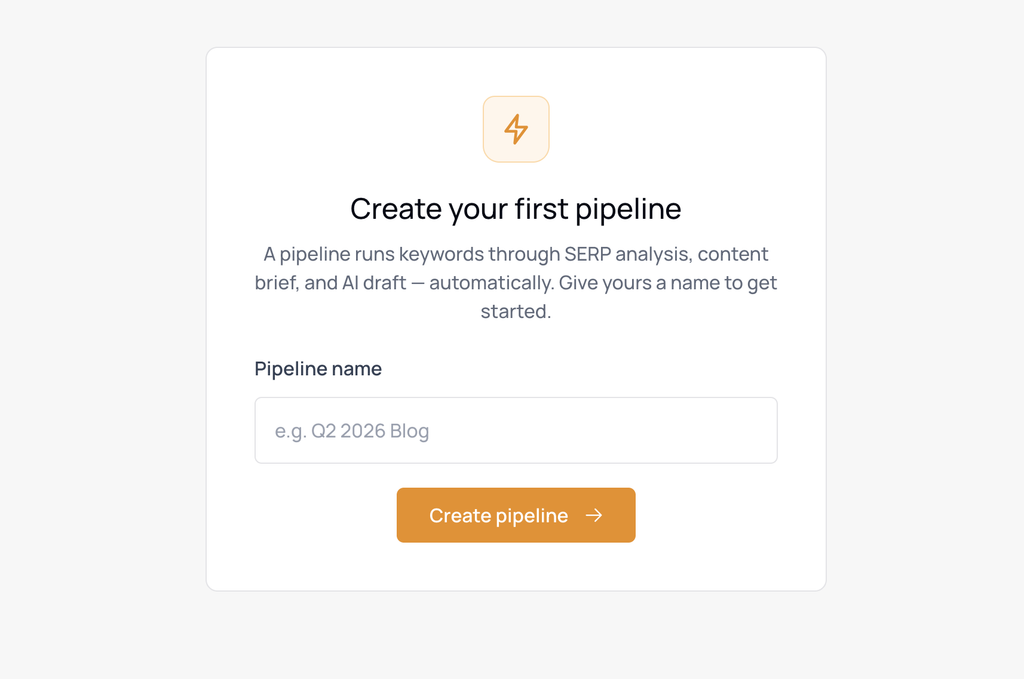
Open Content Pipeline under Content. If it’s the first time, you will have to create a new pipeline and pick a name, then click Add keywords and paste your list.
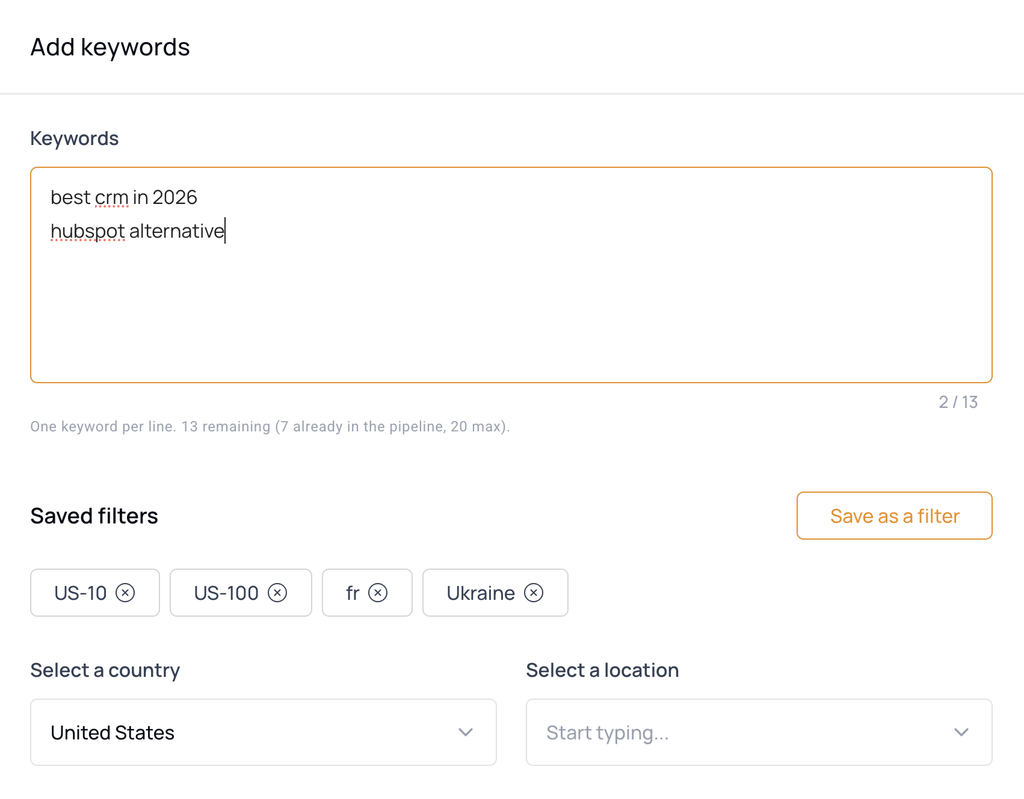
For each keyword you can define the country, language, device, search engine and how many pages of results to analyse, along with the brief template and the outline format that batch will use.
So you can mix keywords and settings, like ten French keywords in a listicle format for google.fr and ten UK keywords following a how-to format for google.co.uk on the same board.
Step 2. Start the batch
Add & run starts the batch straight away. Add stages it instead, so you can prepare your content now and run it when you are ready.
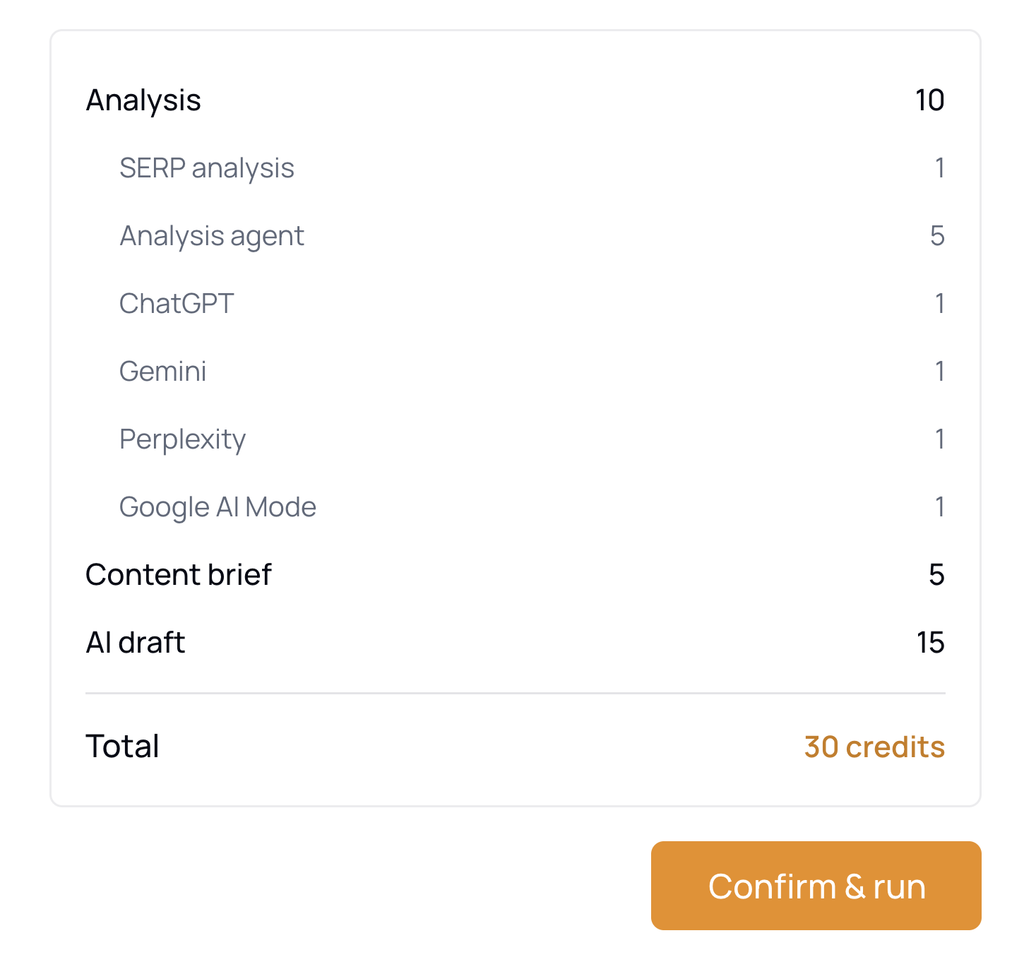
Either way, thruuu shows a confirmation screen with the exact credit cost, broken down by category, and your current balance before anything is charged.
Step 3. thruuu researches every keyword in detail
Every keyword gets a very deep analysis. It runs:
- a full SERP analysis of the pages currently ranking
- the SERP Analysis Agent report: how the top results are structured, which subtopics carry weight, and where the coverage gaps are
- the analysis of the search intent, the heading analysis and the content analysis
If you add AI answer engines to the batch, thruuu also captures what ChatGPT, Gemini, Perplexity or Google AI Mode say about the same search, and which brands and sources they cite.
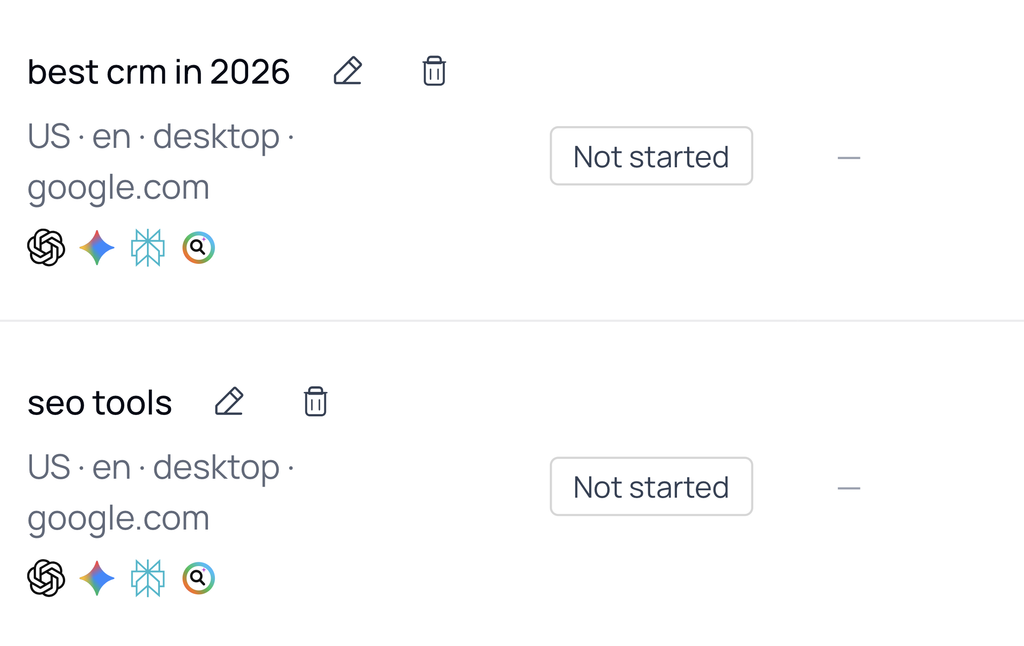
In simple terms, thruuu is doing a very deep analysis.
These steps used to be manual: running the SERP analysis and reading the Analysis Agent report on every keyword yourself. Now you just click and wait.
Step 4. You review the brief
Once the SERP analysis is done, it will automatically move to the next step and create a content brief using the template and outline you defined.
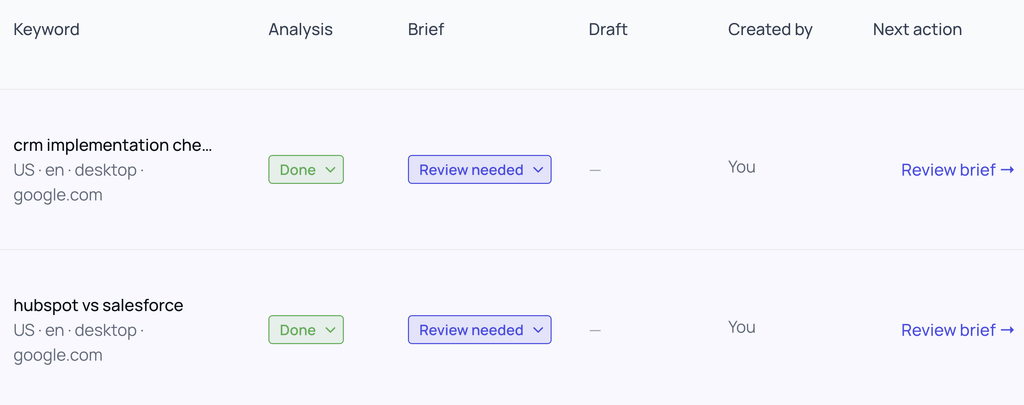
Once a brief is ready, the flow stops and asks for your review. We did this on purpose, as the brief will shape the final draft. It is important that you review the heading structure and adapt it.
Open the brief, change anything you want, and mark it reviewed without going back to the board. That action releases the keyword into draft generation, and nothing is written before it.
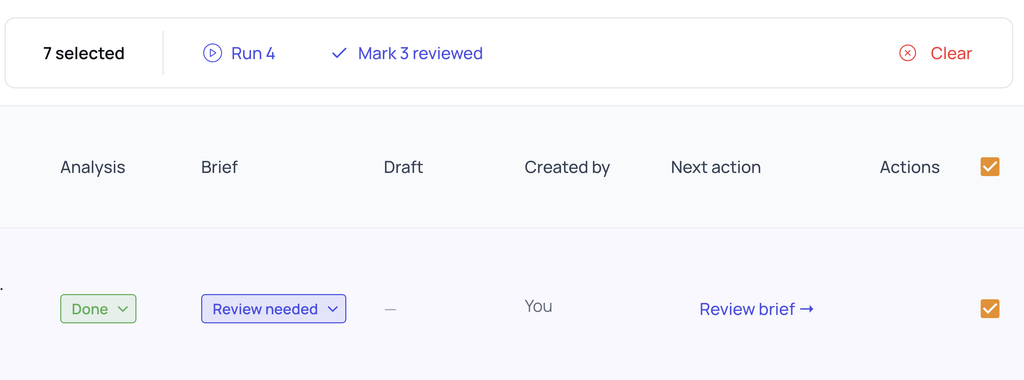
To release several at once, select the rows on the board and mark them reviewed together.
Step 5. thruuu writes the draft, you make the final edit
Finished drafts are readable in thruuu and downloadable as Word (DOCX) or Markdown, one at a time or up to twenty as a single zip. Each file stands on its own, with the title, slug, meta description, language, word count and creation date above the article.
Your input is also required at this step. The aim is not to publish this draft straight to your website. Your copywriter can take it from here and do the final edit.
Following the pipeline while it runs
Every keyword is a row that carries its own state and names the single next thing it needs from you.
The counts at the top say whether the board needs you at all this morning, and one click takes you to the briefs that are waiting.
When several rows need the same thing, tick them and do it once: start them, mark their briefs reviewed or download the finished drafts together.
Because the board belongs to the workspace, every team member from the workspace can collaborate on it.
Every analysis, briefs and drafts are also available via their dedicated listing.
thruuu also sends one email per pipeline once the activity settles.
What plan do you need?
Content Pipeline is available on the Professional and Agency plans. And you can create one content pipeline per workspace. So 3 for Pro and 10 for Agency.
Credits are charged per step, per keyword, as each step runs, and a step that does not complete is not billed:
| Step | Credits |
|---|---|
| Analysis (SERP analysis plus Analysis Agent report) | 6 |
| Each AI answer engine checked | 1 each |
| Content brief | 5 |
| AI Draft | 15 |
A keyword taken all the way from search term to finished draft with all LLM is 30 credits, the same as running each of those steps by hand in thruuu. The automation itself adds nothing to your bill.
How to get the most out of the Content Pipeline
- Give the workspace a Brand Kit first. It is the difference between drafts you edit for voice and drafts you edit for substance.
- Pick AI answer engines only where the AI answer matters. Each engine costs a credit per keyword and adds to the analysis time, and both multiply across a batch.
- Work the review queue in one sitting. Briefs are the only thing the pipeline cannot do without you, and released together they generate together.
Ready to produce content at scale?
With the Content Pipeline in thruuu, you can streamline your content operation and create better content.